Description

Contents
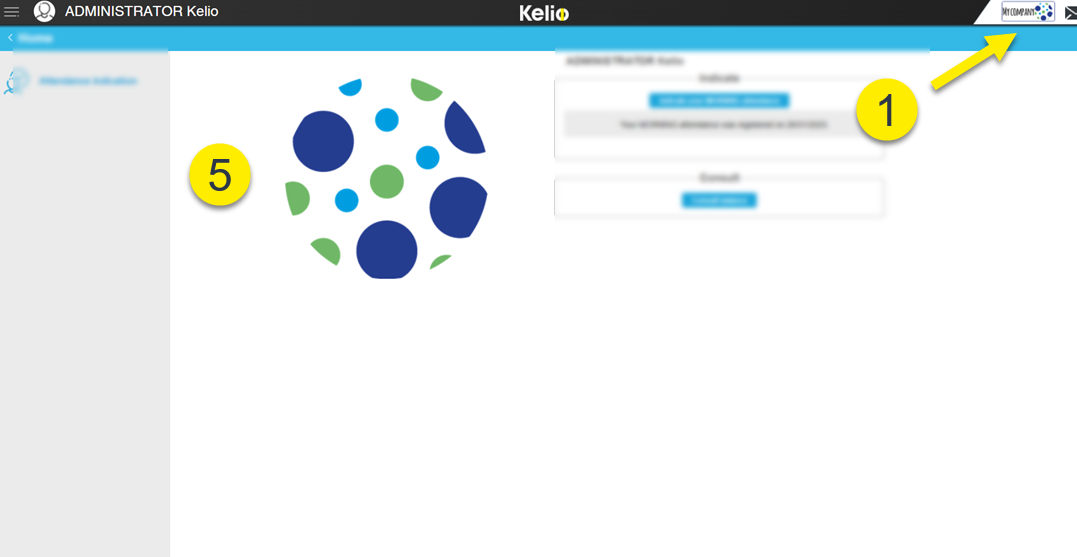
In this section, you may enter your company details and carry out your own customisation with the image of your choice:
 In the right part of the Banner
|
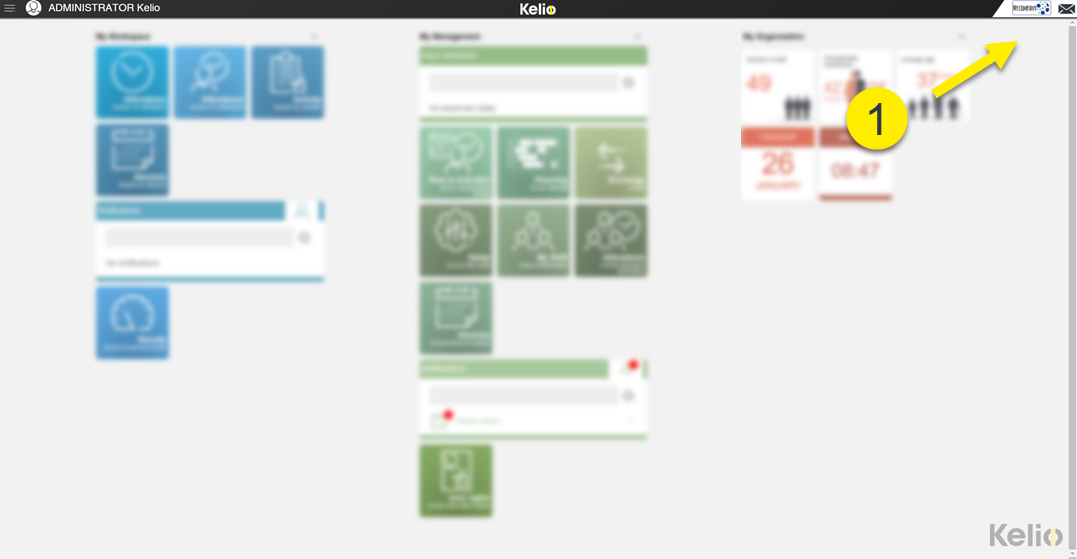
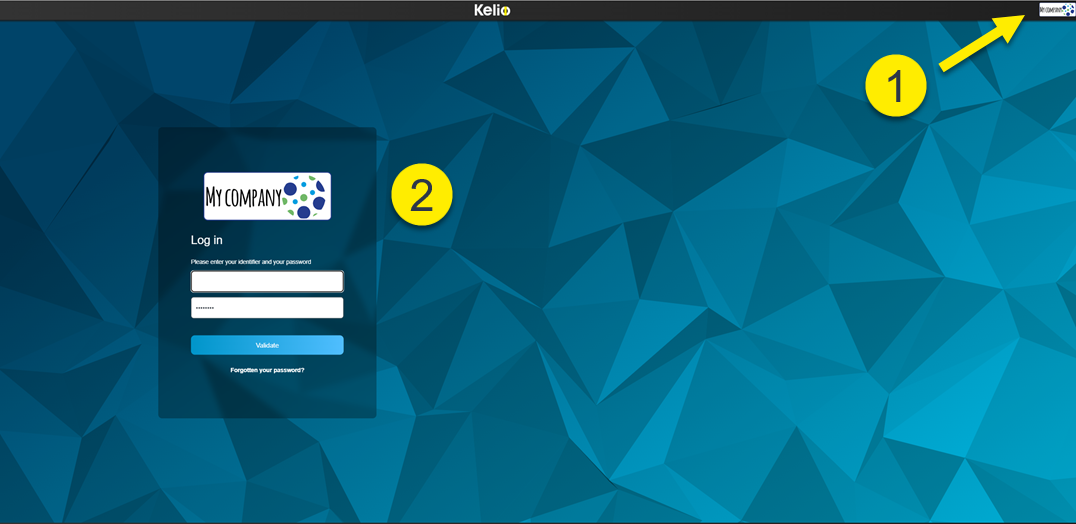
 on the centred Identification page
|
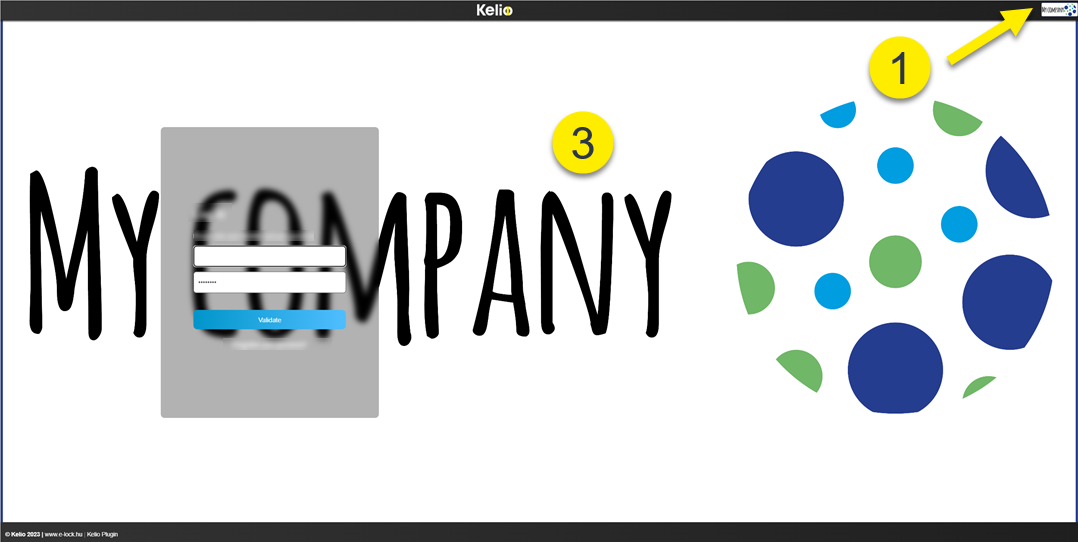
 on the full-screen Identification page
|
 On the Virtual clocking terminal page
|
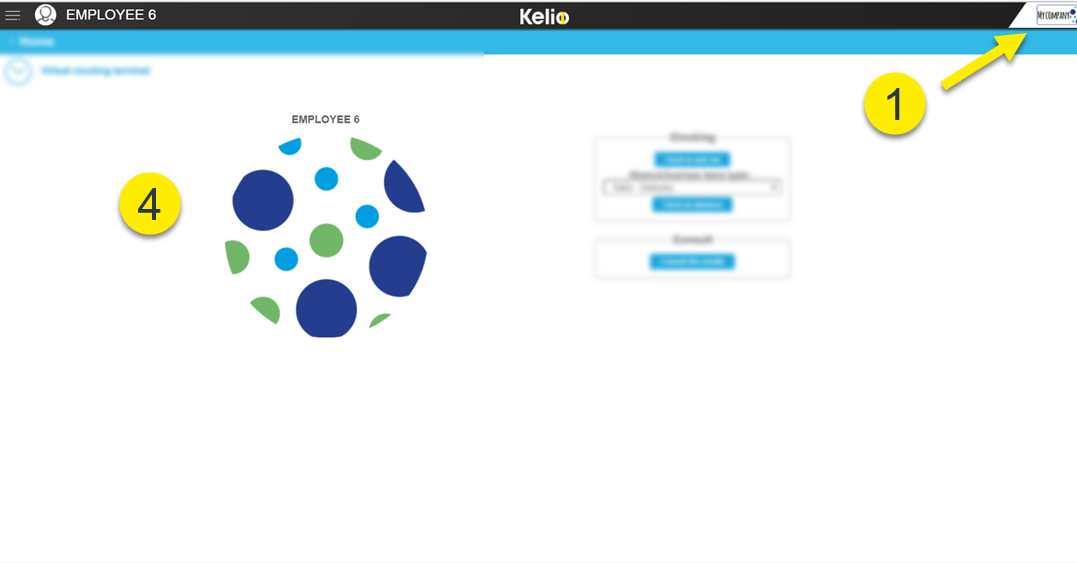
 On the Attendance indication page
|
The image is limited to 500 KB and may be in GIF, PNG, JPG or JPEG format.
1.To change these images, simply go to the tab which corresponds to the image to be replaced and click on  to select the element you want.
2.To delete an image, click on  .
.
3.Click on Save.
|
The display of a background image on the portal can be set up in the Portal administration. |